Recording of Winter 25/26
8 modules in English language at 3 hours each.
Recordings will be available for at least one year after purchase.
Join us for the next step in your TouchDesigner journey with this eight lesson intermediate course, designed for students and professionals who have already completed the beginners course or have equivalent experience. Building on the foundations of visual programming, this course focuses on deepening your skills and preparing you to work with TouchDesigner at an intermediate level.
You’ll be part of an international group of learners with diverse backgrounds—artists, musicians, architects, programmers, event technicians, and other creative minds—who are now ready to take their practice further and unlock the advanced potential of this powerful tool.
Across 8 sessions, you will move beyond playful experiments into more ambitious interactive systems. Each module is structured around building projects that integrate real-world workflows, advanced techniques, and professional practices. Topics include optimization, working with external devices and data, generative design strategies, and preparing projects for live performance and installation. By the end, you will be able to design robust, scalable, and creative TouchDesigner projects that can be showcased or integrated into professional contexts.
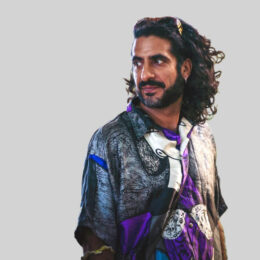
This course is once again led by interaction designer and visual artist Nima Gazestani, who previously served as Course Leader of the MA in Interaction Design at Domus Academy and continues to teach at leading design institutions across Europe. Nima will be joined by guest lecturers and industry experts, who will share their own journeys, real-life experiences, and professional expertise, giving you valuable insights into how TouchDesigner is used in the field today.
Weekly Zoom sessions give you direct access to your instructor, guests, and peers, while recordings, project files, and a dedicated Discord support group ensure that you can learn at your own pace and stay connected with the community.
Lessons Overview
This TouchDesigner Intermediate Program is designed for learners who want to take their skills to the next level and move towards professional practice.
Each module is centered around building more ambitious projects that go beyond playful experiments, introducing advanced techniques, optimization strategies, and real-world workflows.
You’ll learn how to structure complex interactive systems, integrate external devices and data, and prepare projects for live performance and installation—expanding your creative and technical toolkit to a professional standard.
Lesson 1
Advanced Sound : Reactive Systems
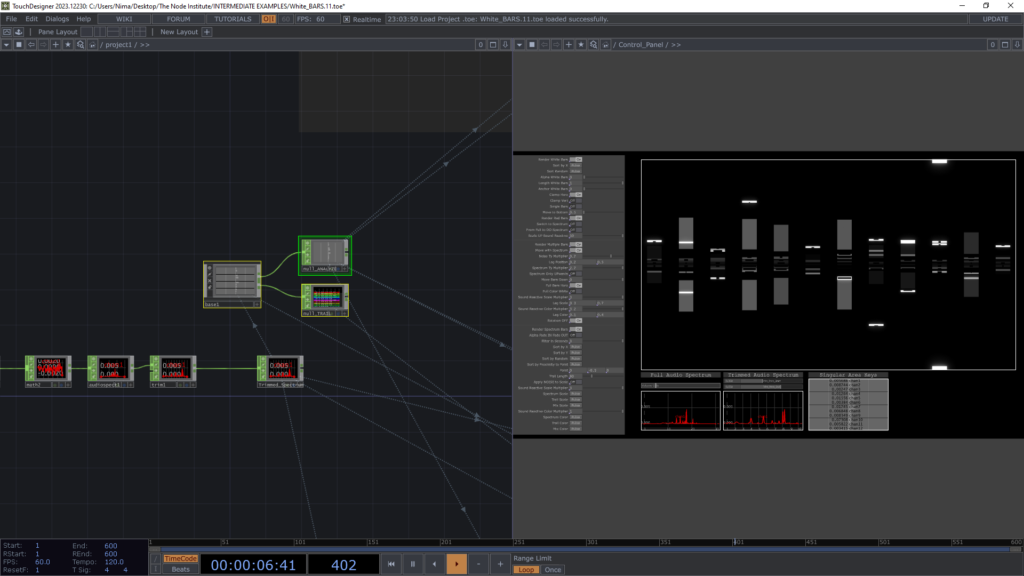
Focus: Moving beyond basic audio reactivity into structured, frequency-driven visual systems.
- Techniques Covered:
- Trimming the Audio Spectrum to isolate mid-range frequencies
- Sub-band analysis: slicing the spectrum into 12 frequency ranges corresponding to musical tones
- RMS power analysis for dynamic triggering
- Trail CHOP for temporal smoothing and visual memory
- Visual Strategy:
- Building a 12-column visual system, simulating a set of LED pillars
- Triggering white bars and vector-based graphics based on frequency energy and rhythmic patterns
Project: Create a musically structured audiovisual system where each column reacts independently to specific frequency bands, producing a cohesive, performance-ready sound-responsive installation.
Lesson 2
Modular Tool Design : Digital Spray Paint
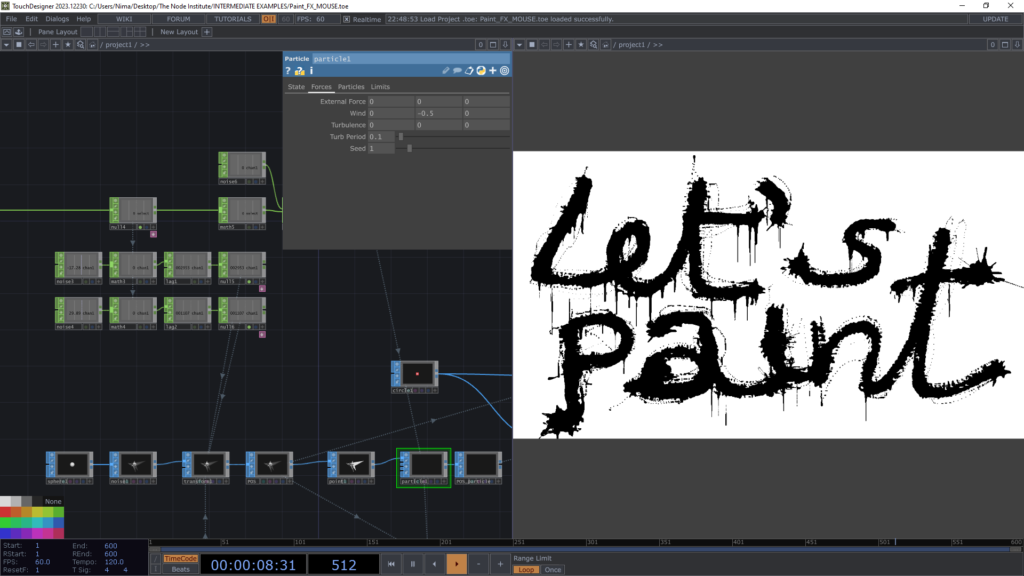
Focus: Designing an expressive painting tool while introducing clean, professional project architecture.
- Techniques Covered:
- Instancing and particle systems to simulate spray dispersion
- Feedback loops for paint accumulation and dripping behavior
- Advanced feedback manipulation with a datamosh-style expansion for organic / digital texture growth
- System Design:
- Separating the project into two core containers:
- Model: logic, simulation, and behavior
- Visual: rendering, feedback, and aesthetic treatment
- Structuring parameters and controls for clarity and reusability
- Separating the project into two core containers:
Project: Build a digital spray-paint tool where paint gradually drips and expands, combining physical intuition with generative feedback, while maintaining a scalable, well-organized TouchDesigner project structure.
Lesson 3
Computer Vision : From Pixels to Triggers
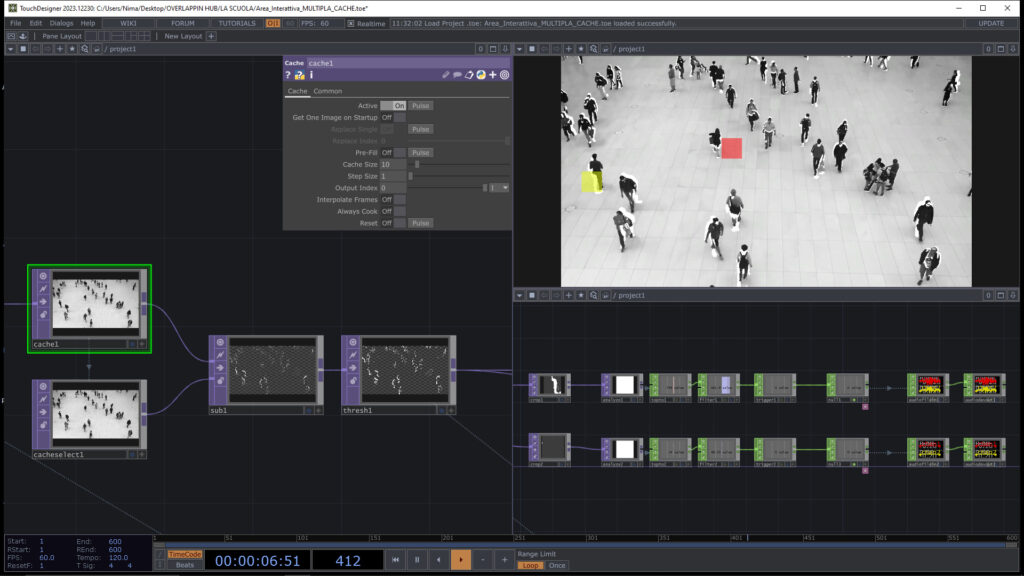
Example 1: using Cache TOP to track movements
Example 2: using Media Pipe to track fingers
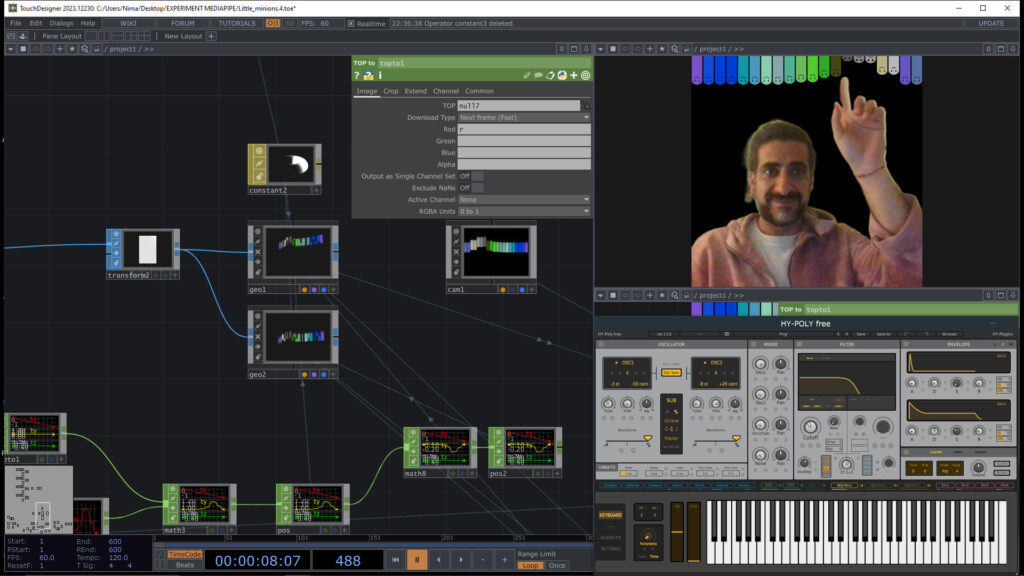
Focus: Transforming raw video streams into interactive signals.
- Techniques Covered:
- Interactive areas (cropping video + detecting pixel change)
- Triggering events from video analysis
- Core Optical Flow concepts (Cache TOP + Difference TOP)
Project: Build a simple motion-driven interface that reacts to pixel changes in defined screen regions.
Lesson 4
Computer Vision : Bodies in Motion
Example 1: Flipping Tiles
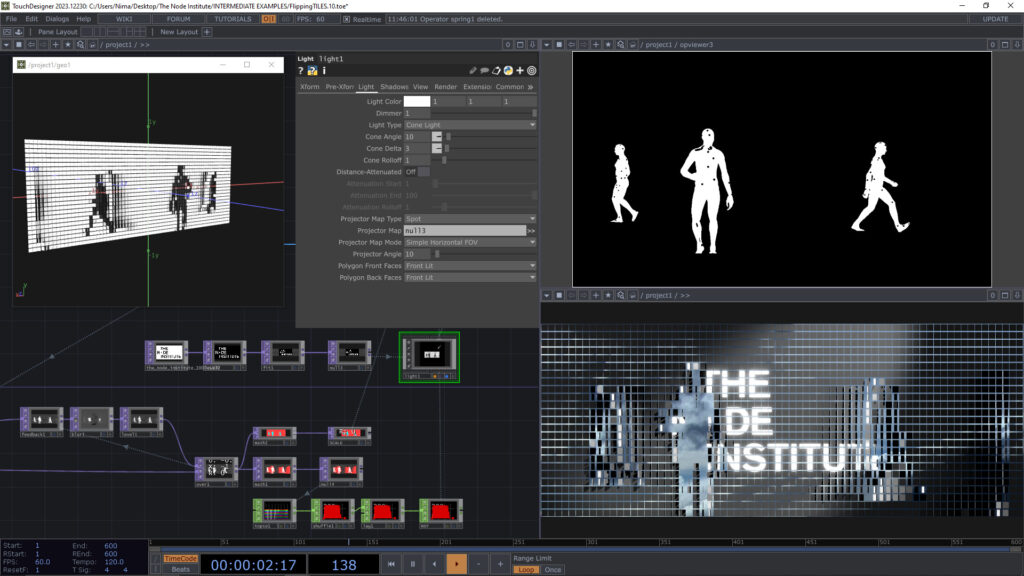
Example 2: Feedback loop Displace
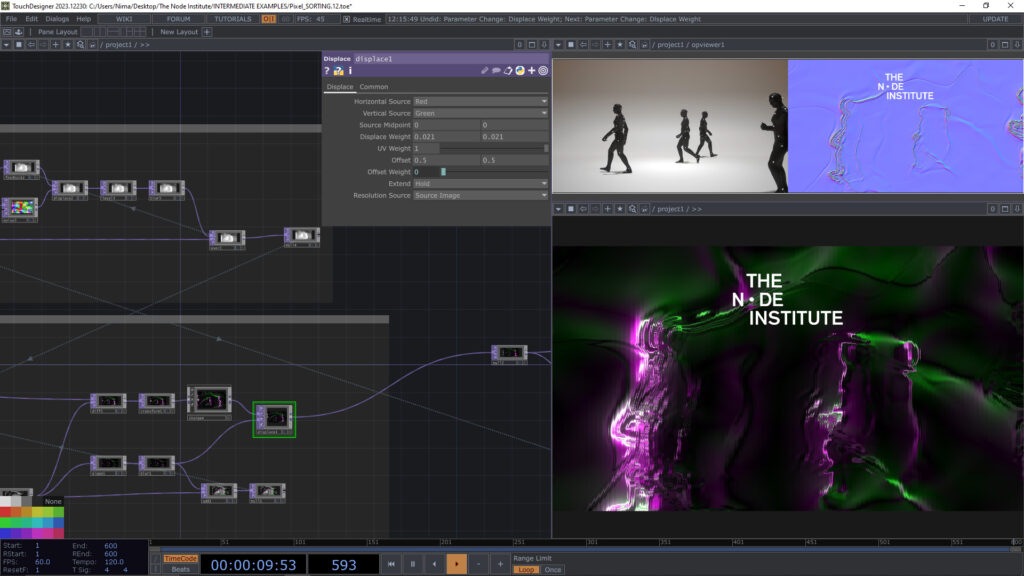
Focus: Using silhouette and tracking tools to extract meaningful interaction from people.
- Techniques Covered:
- Silhouette extraction (NVIDIA Background TOP / MediaPipe)
- Using silhouette extraction in a 3D environment
- Using silhouette extraction with Feedback loop
Project: Prototype an interactive wall simulation, where tracked blobs (users) generate UV-based graphics that follow them.
Lesson 5
Computer Vision : Gestures & Media Systems
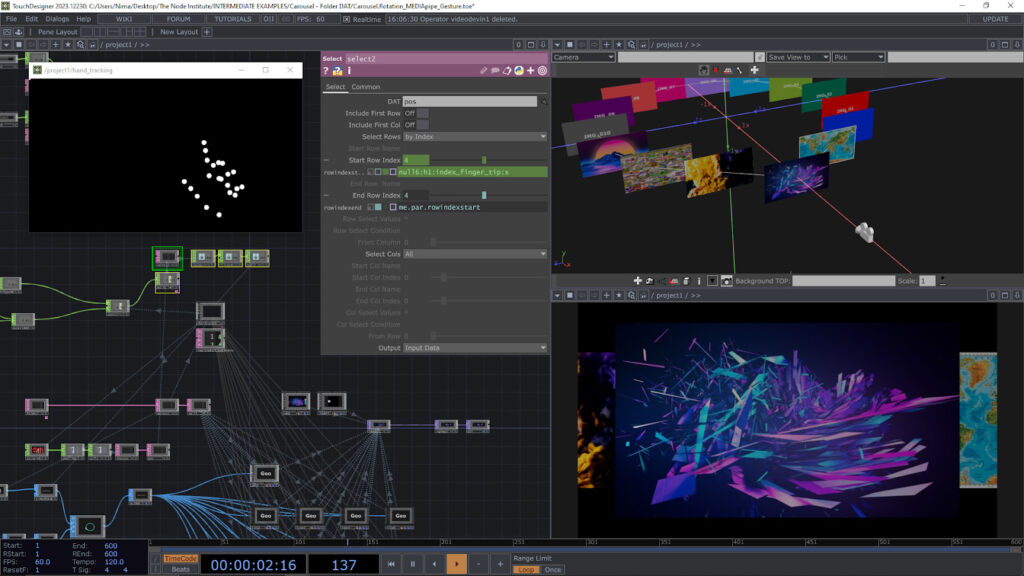
Focus: Moving from motion to intent with gesture-based interactions.
- Techniques Covered:
- MediaPipe hand tracking
- Custom gesture detection with CHOP logics
- Folder DAT + Replicator for dynamic content loading
Project: Build an interactive slideshow carousel (photos/videos) controlled via custom gestures, bridging real-time tracking with scalable media systems.
Lesson 6
Interactive Games : Touch Interfaces
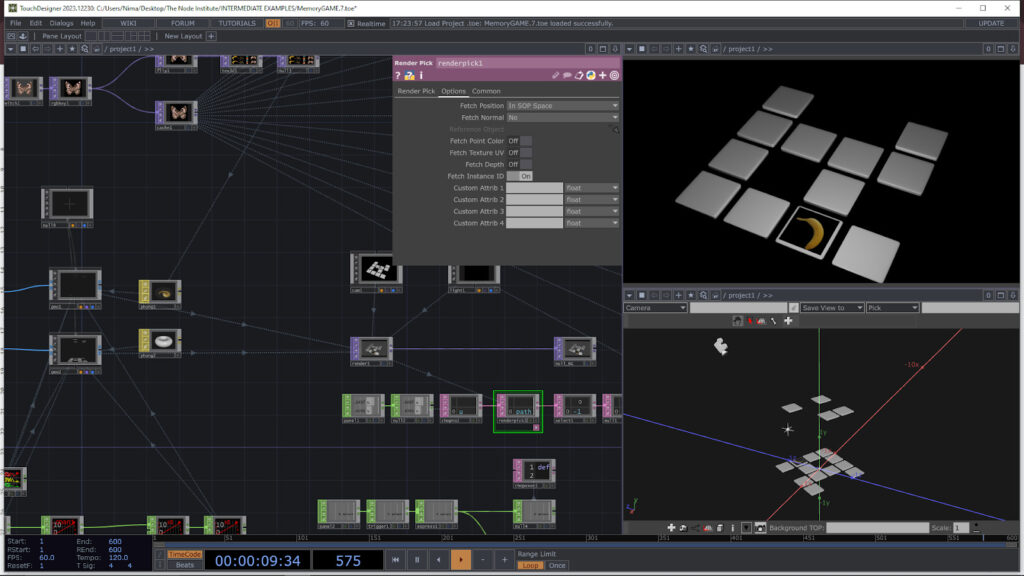
Focus: Setting up the fundamentals of a touchscreen game environment. Adding interactivity, dynamics, and feedback.
Project: Create the core memory game board where tiles can be flipped via touch. Enable correct/incorrect pair detection with instant visual + physical feedback.
- Techniques Covered:
- 4×4 grid structure for a memory game.
- Python scripts for game mechanics
- Render Pick DAT for touchscreen interaction.
- Analyse TOP for comparing card images
- CHOP logic for handling states, comparisons, and triggers
Project: Create the core memory game board where tiles can be flipped via touch. Enable correct/incorrect pair detection with instant visual + physical feedback.
Guest Lectures
For the next two lessions, we will welcome special guests, who each have a legacy of enlighting people about two of the “super powers” of TouchDesigner: GLSL and Python – two very different programming languages that allow you to expand and customize TouchDesigner in endless ways.
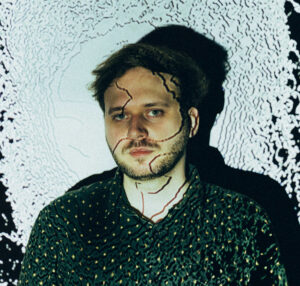
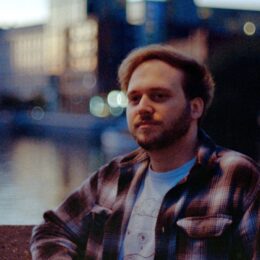
Daniel Molnar is a freelance TouchDesigner developer and artist based in Berlin, working on interactive installations and audio-visual artworks across the globe. He has a professional background in software development, produces music and shares components and techniques on his YouTube channel and Patreon. Besides making art and developing systems, he has a passion for tool development and maintains the public GitHub repo FunctionStore_tools that contain many workflow hacks to TouchDesigner.

VanTa is an experienced developer, with a strong focus in the field of computer graphics. In his creations, he always tries to find a balance between geometry, abstraction, and chaos. With a background in environmental science, his work revolves around the intersection between art, science, and technology. He loves when digital elements align with the real world; either in augmented reality overlays, projection mapping on architectural landmarks, or pixels floating in thin air. VanTa also performs as a VJ and musician in different locations and festivals around the world. When he finds the time, he teaches coding to designers and artists.
Lesson 7 – GLSL with Vanta
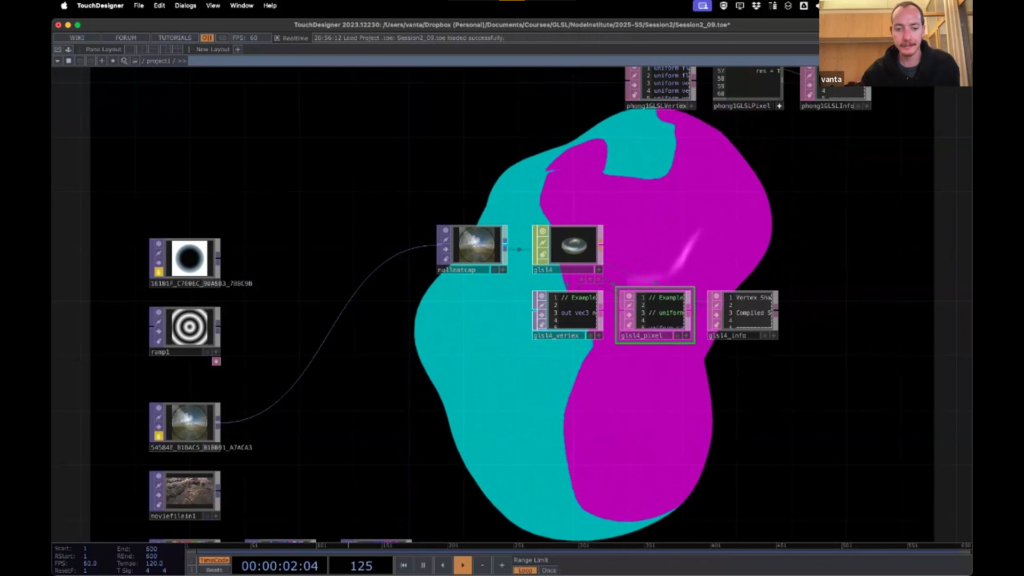
Building directly upon the fundamental concepts of GPU processing and GLSL TOPs, this lesson moves into applying GLSL to 3D materials and point clouds, covering GLSL MATs with a focus on vertex and fragment shaders, data passing, coordinate systems, point cloud manipulation, applying familiar TOP concepts in 3D, and modifying existing shaders—supported by a rich set of resources for further exploration.
Lesson 8 – Python with Function Store
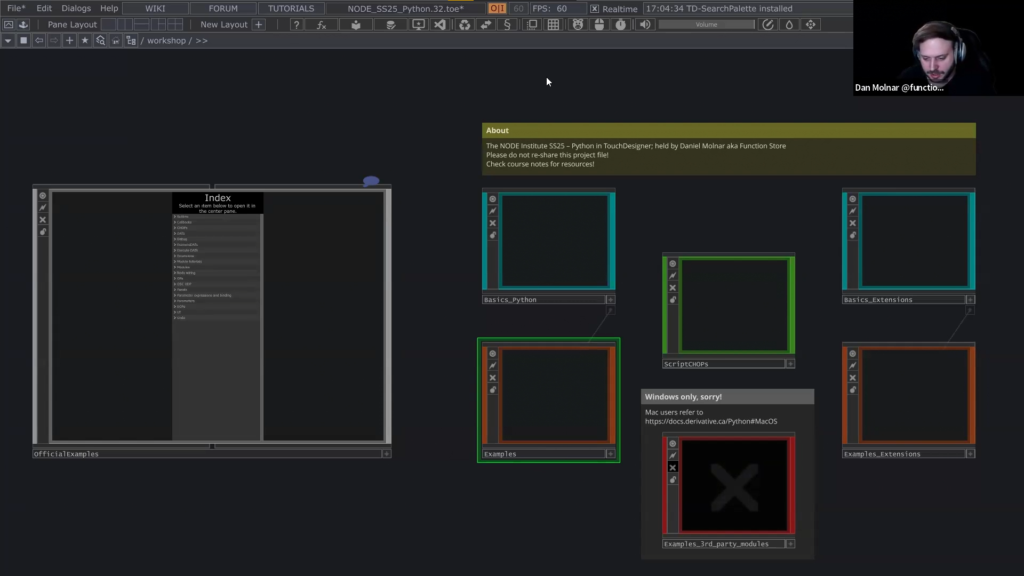
Building on TouchDesigner’s native capabilities, this course explores how Python can seamlessly enhance your workflows, empowering you to solve problems more efficiently, optimize node architectures, and unlock new creative possibilities. Participants will learn to create custom tools, automate repetitive tasks, and integrate external Python libraries, expanding the potential of TouchDesigner in both interactive and generative projects.
By the end of this program, you’ll have a strong foundation in TouchDesigner, from basic concepts to advanced techniques. You’ll be able to create interactive visuals, manipulate 3D objects, work with particle systems, and integrate sound-responsive elements into your projects. Additionally, you’ll have developed skills in Python scripting to streamline workflows and enhance interactivity. This comprehensive training prepares you to build creative, dynamic experiences and gives you the confidence to explore even more advanced possibilities within TouchDesigner.
FAQ
Whether you join us at the start of the semester or at the end, you’ll receive access to the recordings and comprehensive workshop files, which you can refer to for at least one year.
⇒ Not a Beginner course – prior knowledge of TouchDesigner needed.
⇒ Make sure you have a 3 button mouse attached.
⇒ We recommend connecting to a second screen (if possible).
⇒ Support via a dedicated Discord Forum.