1 lesson at 3 hours in English Language.
Recording will be available for at least one year after purchase.
From Animating Movement to Designing Behavior
What if movement is no longer something you animate—but something you grow?
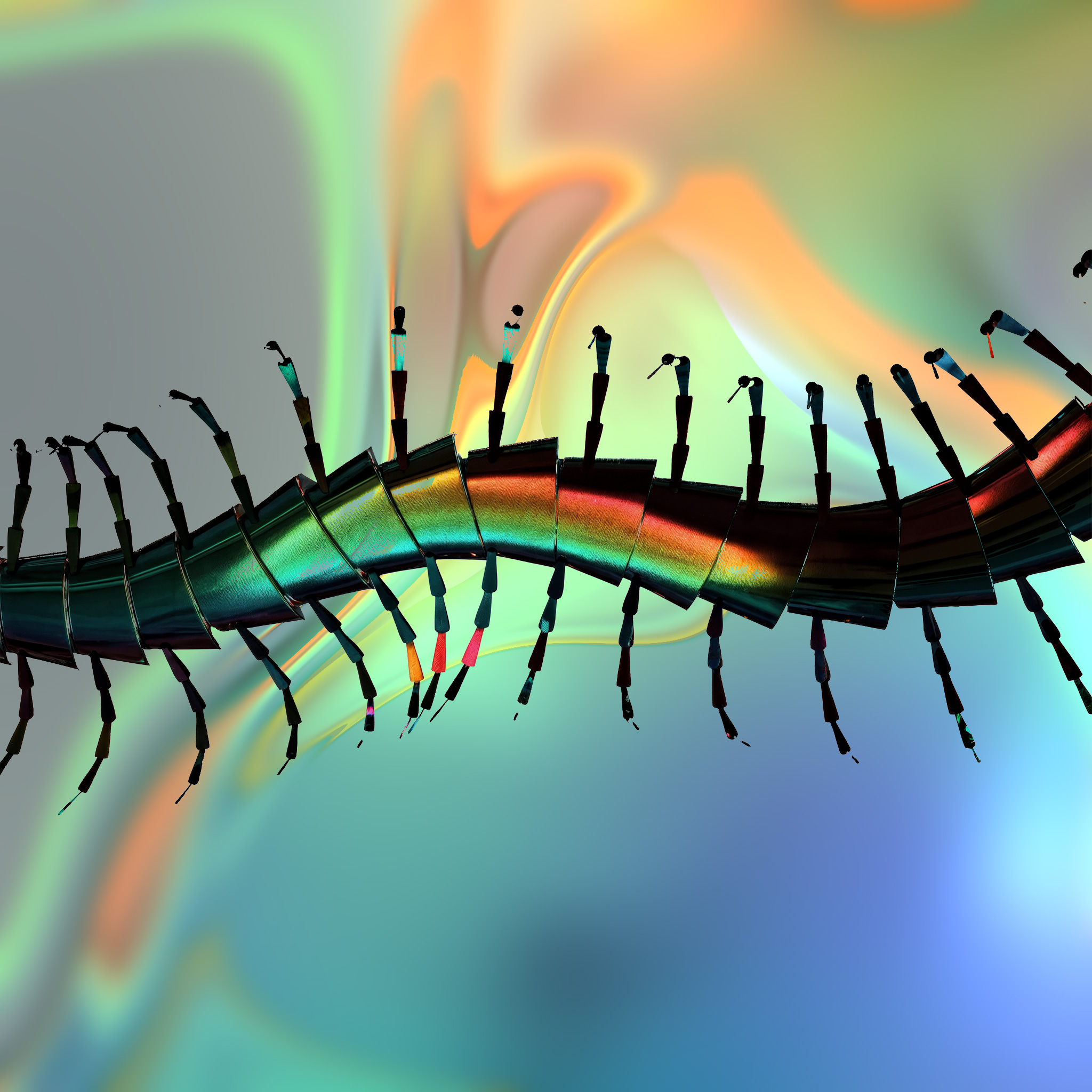
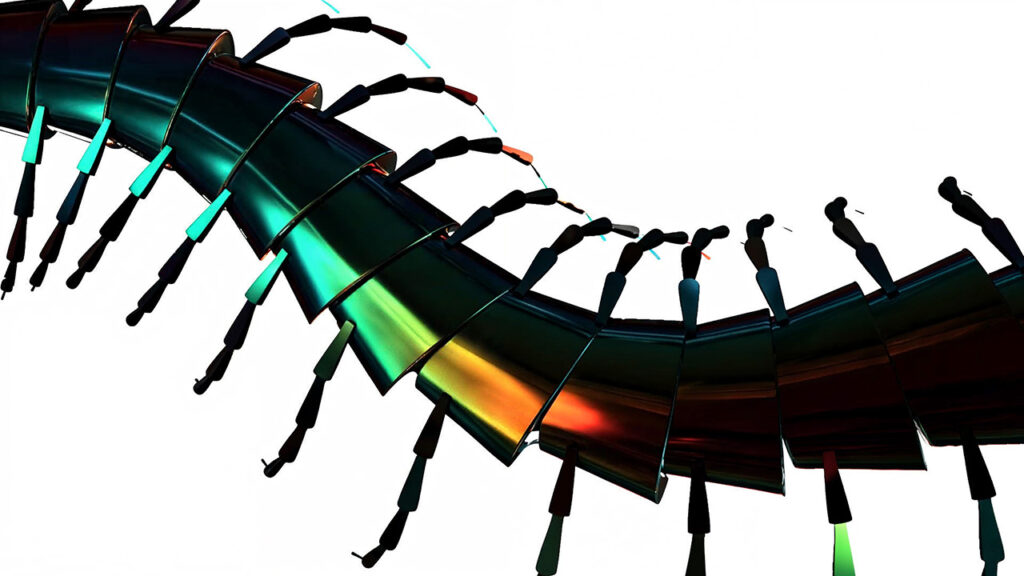
In this case study, generative artist and researcher Artem Grigorov (aka Newnome Beauton) explores how the POP context in TouchDesigner shifts the role of the artist from animator to system designer. Taking a centipede-like creature as its subject, you will investigate how lifelike locomotion can emerge from simple rules, feedback, and interaction—across both 2D and 3D spaces.
Rather than scripting motion step by step, you will build systems that produce it—opening up a more dynamic, responsive, and expressive approach to animation.
What You’ll Learn
- Design locomotion systems instead of manually animating movement
- Use POPs to define rules, forces, and relationships that generate behavior
- Understand emergence as a creative tool—and how to guide it without over-controlling it
- Build coordinated, multi-part organisms operating in 2D and 3D space
- Rethink animation as a balance between authorship and autonomy
Format / Structure
- Single-session workshop (approx. 3 hours)
- Case study–driven, combining conceptual framing with hands-on techniques
- For intermediate to advanced TouchDesigner users

Requirements
This module is made for participants, who have a basic understanding of TouchDesigner and POPs. If you just getting started, please visit our Beginners Course and POPs Foundations first.
3-Button Mouse and second monitor recommended
A recent PC or MAC Computer (discrete GPU recommended) with stable internet connection
The latest Stable Build of TouchDesigner installed
FAQ
No matter if you join live or through the recording: you’ll have access to the recordings, comprehensive workshop files, and support via a Dicord forum.
- This is NOT a Beginner course – prior knowledge of TouchDesigner needed.
- We will meet online via Zoom. Zoom Link and Password will be shared within the lessons of this course.
- Make sure you have a 3 button mouse attached!
- Recordings of the live sessions will be accessible on the lesson pages ~24 hours after the live lesson.
- We recommend connecting to a second screen.
- Support outside of the live lessons via a dedicated Discord Forum.