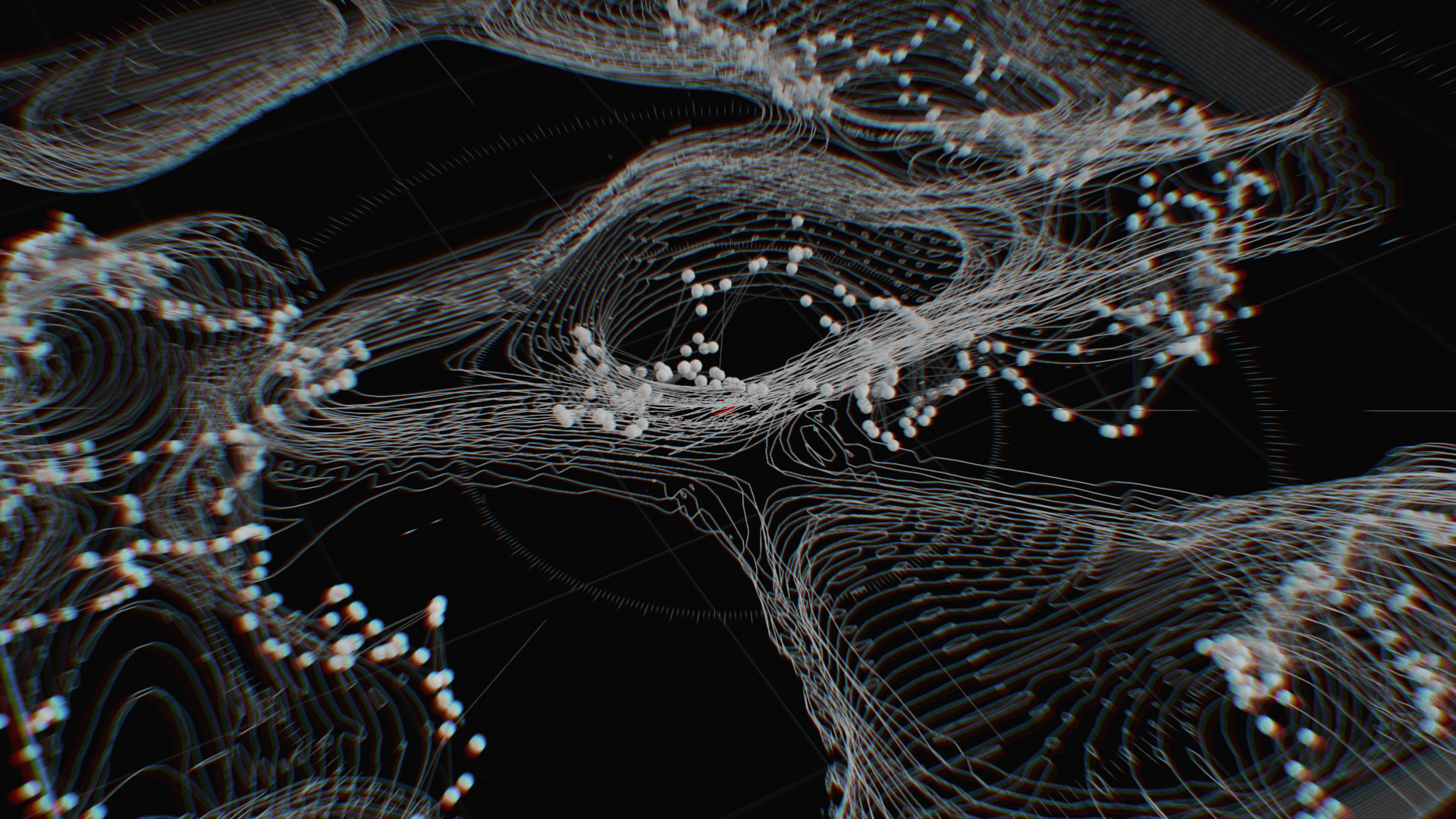
POPs Advanced Techniques
June 24, 2026 / 4-7 PM Berlin Time (4–7 PM CEST (UTC+2)
1 lesson at 3 hours in English Language.
Recording will be available for at least one year after purchase.
Advanced techniques for real-time, high-performance data manipulation
POPs Advanced Techniques builds on the foundations you’ve already established with POPs. Led by audiovisual artist and creative coder Darien Brito, this course dives deep into new and emerging workflows, highlighting practices that replace obsolete methods and open possibilities that were previously impossible.
You’ll explore the strategic use of GLSL within POPs — when to rely on operators, when to leverage shaders for simplicity, speed, or raw power — and understand how to design systems that are both flexible and performant.
By focusing on advanced workflows and practical problem-solving, this course empowers you to push POPs further than ever, whether for complex projects, real-time installations, or high-performance generative systems.
What You’ll Learn
- Master new and improved POP workflows
Replace outdated methods with current, efficient practices - Explore previously impossible setups
Unlock techniques that extend what POPs can do in real-time - Integrate GLSL strategically
Learn when shaders can simplify, optimize, or enhance your workflows - Optimize high-performance systems
Build flexible, scalable setups that maintain frame rate and efficiency - Push creative boundaries
Design advanced projects that go beyond what operators alone can achieve
Who is this for?
- Ideal for: intermediate TouchDesigner users, technical artists, creative coders
- Not ideal for: complete beginners

Requirements
This module is made for participants, who have a basic understanding of TouchDesigner and POPs. If you just getting started, please visit our Beginners Course and POPs Foundations first.
3-Button Mouse and second monitor recommended
A recent PC or MAC Computer (discrete GPU recommended) with stable internet connection
The latest Stable Build of TouchDesigner installed