
Some people just need the material. Some need a mentor who’s actually in it with them.
Five years, 400+ students. The course was never the problem — two things around it were. The Winter 26/27 edition fixes both.
Access to the instructor. The weekly 40-minute group session stays — first come, first served, and we say so. New: your own weekly 1:1 slot with Nima. Ten minutes of coaching on your screen, or fifteen minutes of mentoring plus a review of your files. Eight coaching and four mentoring seats per cohort, because that’s how many one person can give real attention to.
Price. Every lesson is now recorded — the right tool for mechanics you’ll want to rewatch until they click. That lets us price by how much live time you actually want: from €240 for all twelve weeks with the group session, two tiers above for the 1:1 seats. Same course, same depth, more accessible than before. (Prices incl. VAT; Student / Professional / Company rates on the course page.)
Guided
All 12 lessons, dropped weekly with the cohort, plus a weekly 40-minute live group session
Starts with the Winter 26/27 cohort on October 20, 2026 — you go through the material together with a group of peers.
Student €240
Professional €360
Company €480
Guided + Coaching
Everything in Guided, plus a weekly 10-minute 1:1 consultation
Starts with the Winter 26/27 cohort on October 20, 2026 — you go through the material together with a group of peers.
Student €480
Professional €600
Company €720
Guided + Mentoring
Everything in Guided, plus a weekly 15-minute 1:1 consultation plus weekly file review
Starts with the Winter 26/27 cohort on October 20, 2026 — you go through the material together with a group of peers.
Student €600
Professional €720
Company €840
What hasn’t changed. TouchDesigner isn’t a piece of software with a finite set of features you can eventually check off — it’s a way of thinking about problems: breaking an idea down into small, connected pieces, understanding what kind of data you’re working with at each step, and building your own solution instead of hunting for someone else’s. That’s a general problem-solving skill, not a TouchDesigner-specific one, and once you’ve internalized it you’ll be dramatically faster at picking up any new technique, tool, or piece of software. Nobody ever learns TouchDesigner “completely” — it’s a lifelong practice, not a course you finish.
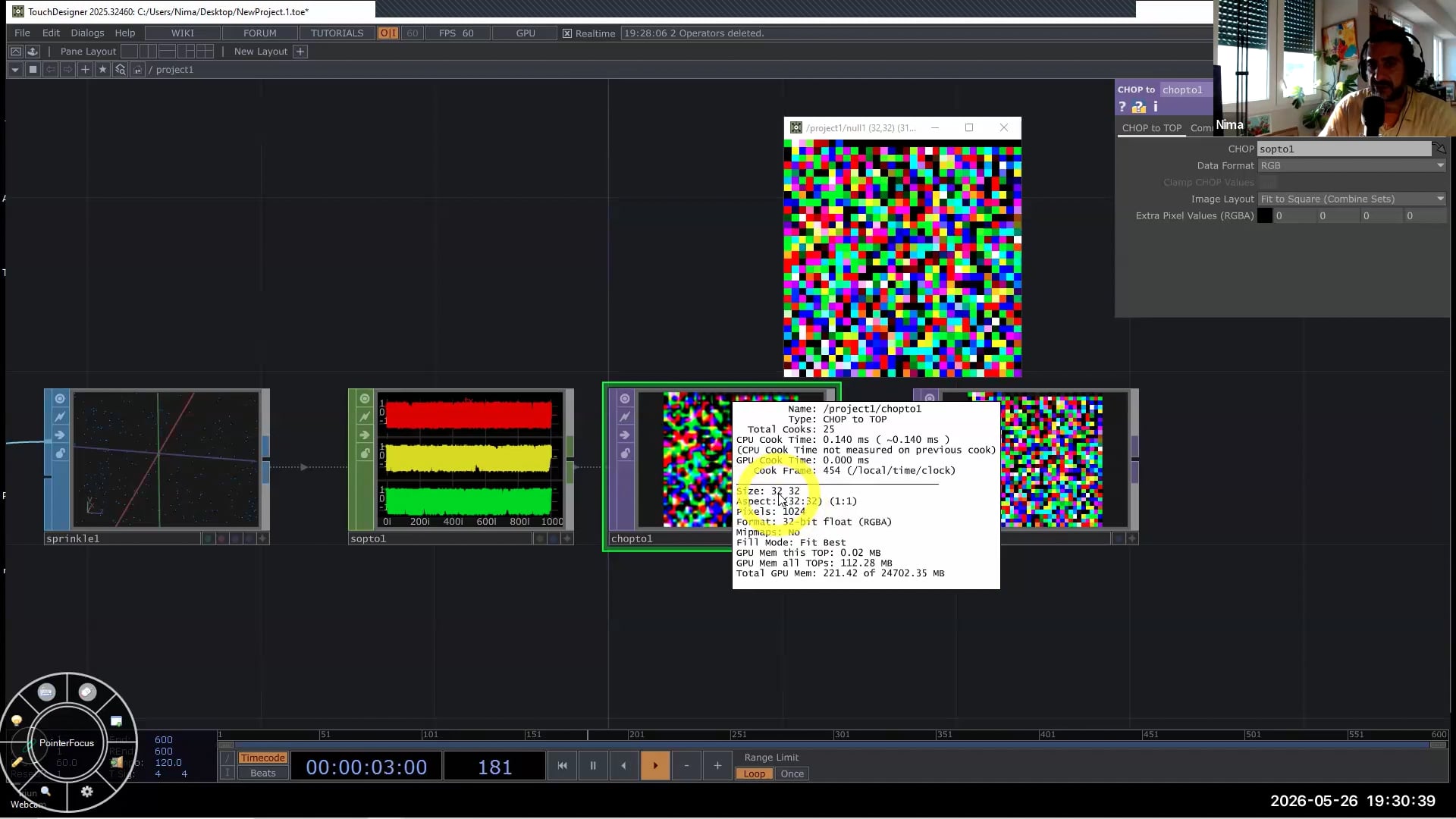
What this course gives you is the ability to come up with your own solutions, and the confidence to read the documentation, forum posts, and example files you’ll keep running into for as long as you use this tool. Every lesson is built around understanding, not memorizing steps.
That matters more in the age of AI, not less: understanding the logic underneath is what lets you edit what an AI hands you with intent — and push back when it’s wrong.
Twelve weeks: your first UI → components and custom parameters → feedback loops → your first 3D scene → sound-reactive particles → GPU instancing → point clouds and 3D scans → the new POP family → texture instancing. Weeks 11 and 12: GLSL with Vanta and Python with Dan Molnar (Function Store). Plus a full glossary and an FAQ built from five past editions.
Lessons drop Wednesdays, group session Tuesdays (Berlin time), Discord throughout. 20 Oct 2026 – 2 Feb 2027, three-week winter break. Recordings and files stay with you for two years. No prior experience needed.
Limited seats, especially in the 1:1 tiers. → thenodeinstitute.org/courses/touchdesigner-beginner-class-winter-26-27/