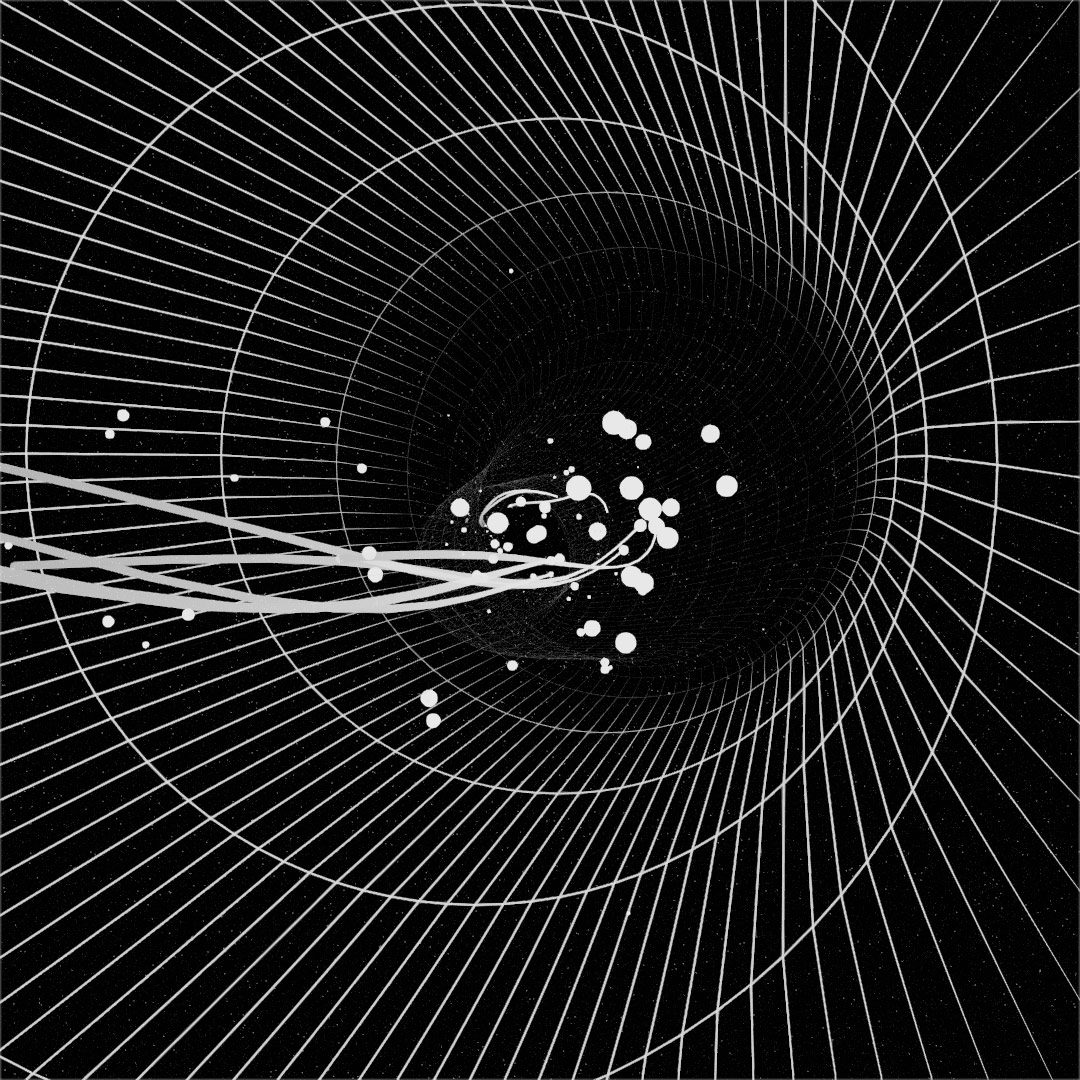
POPs Foundations
1 lesson at 3 hours, recorded in English language in Summer 2026
Unlock advanced, real-time data workflows and next-level creative possibilities:
POPs Foundations is your starting point for working with POPs — TouchDesigner’s powerful operator family for high-performance data processing. This course is the foundation for a series of advanced modules, where these concepts are expanded into more specialized workflows and techniques.
After an extended development phase, POPs have now been publicly available for a while, and the ecosystem around them has begun to settle. The core concepts, workflows, and best practices are solidifying — making this the perfect moment to get started if you haven’t already. Led by audiovisual artist and creative coder Darien Brito, this course is designed as a clear and approachable entry point. You’ll build a strong understanding of how POPs work, how they’re structured, and how to use them effectively in your own projects. The course prepares you for advanced topics such as granular point-attribute manipulations, particle simulations and rendering pipeline scaffolding, where POPs are used in more complex, performance-driven, and creative scenarios.
More than just an introduction, POPs Foundations sets the groundwork for everything that follows. As more advanced courses and tutorials continue to emerge, having a solid grasp of the fundamentals will allow you to move faster, make better decisions, and fully leverage what POPs can do.
What You’ll Learn
- Build a strong foundation in POPs
Understand the key concepts and terminology behind this operator family - Learn the architecture and logic
Develop a clear mental model of how POPs behave and why - Integrate POPs into your workflow
Apply POPs in practical setups with confidence - Work efficiently with structured data
Unlock new approaches to performance-focused processing - Prepare for what’s next
Gain the foundation needed to confidently explore advanced techniques and tutorials

Requirements
This module is made for participants, who have a basic understanding of TouchDesigner. If you just getting started, please visit our Beginners Course first.
3-Button Mouse and second monitor recommended
A recent PC or MAC Computer (discrete GPU recommended) with stable internet connection
The latest Stable Build of TouchDesigner installed