Session 2 – 17.11.2026
Lesson Overview
Queue
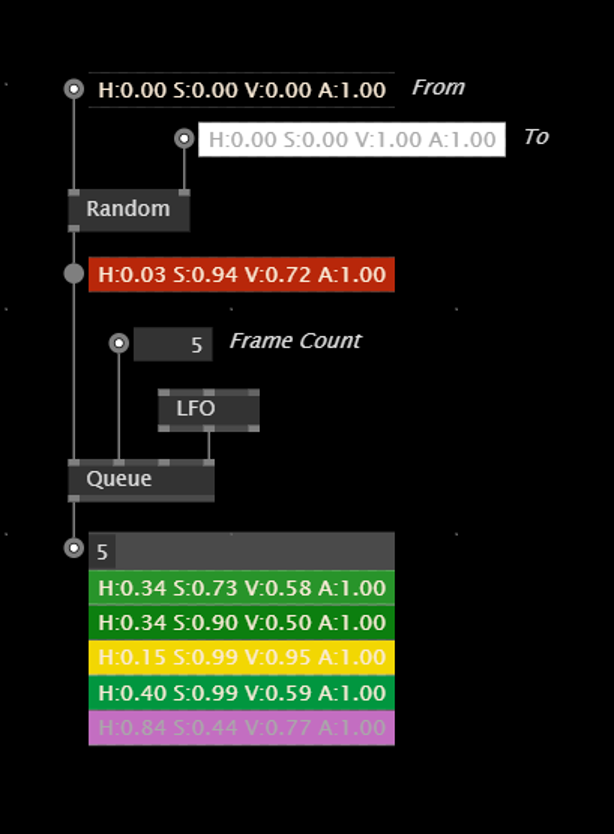
The Queue node allows us to add slices to a spread using a trigger input. Every value that is connected to its input will be inserted at the very top of the spread. When the frame count is set to -1, the spread can contain endless values. If set to a number, the slices at the bottom will fall out, when new slices come in. It can be cleared with a Bang on the Clear input.
Keep Pin in Loops
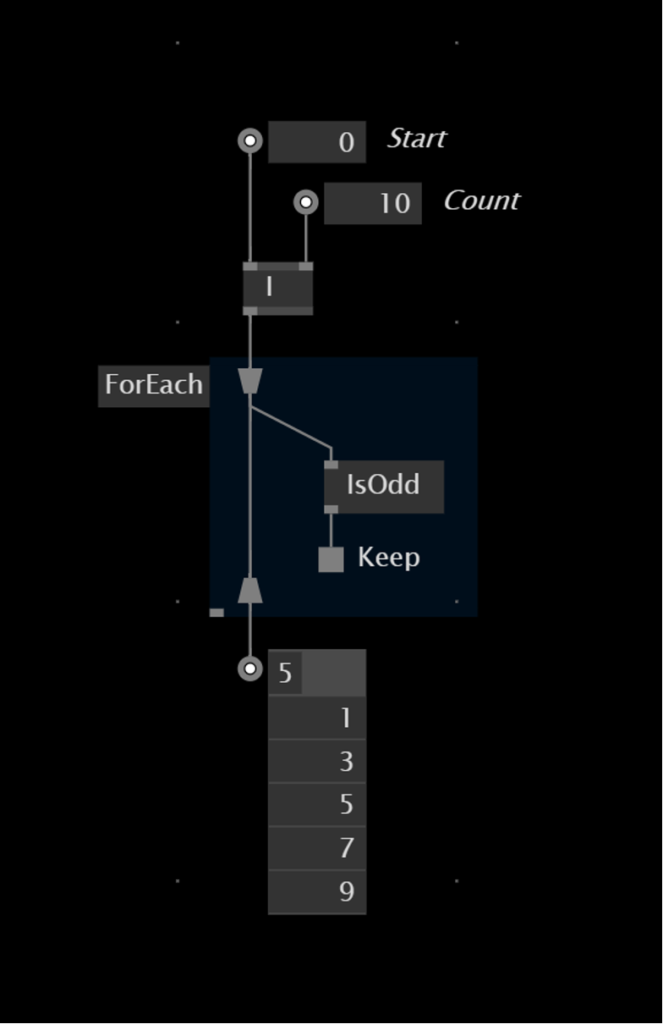
You can add a keep pin to the loop regions to control which of the slices should be included in the output. This will also keep the loop from operating on this particular slice. In the following example we check if the randomly generated position is higher than 0, otherwise we throw the slice it away.
Intro to Object-Oriented Patching
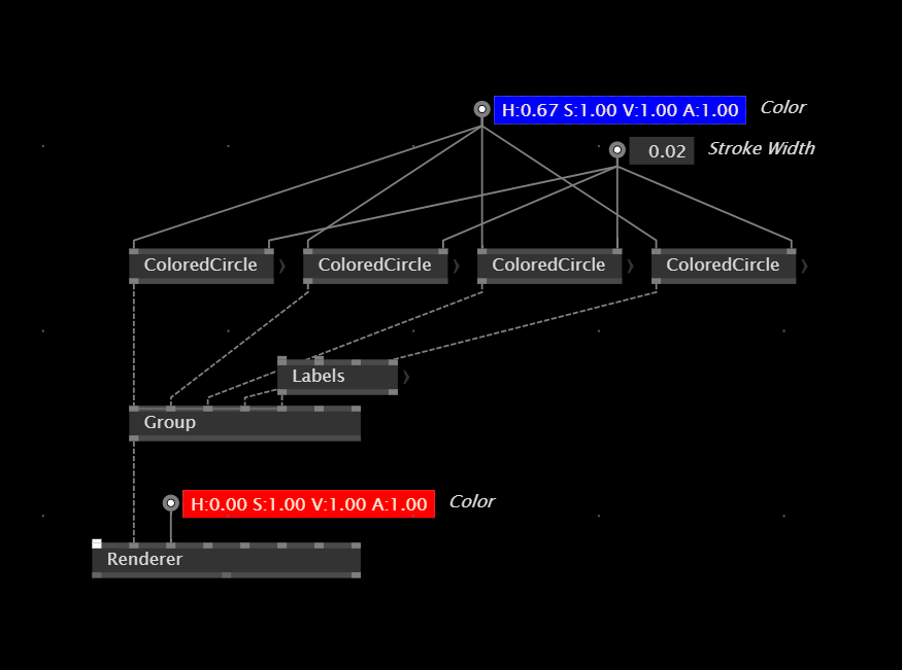
So far we have only been using Process nodes to abstract functionality. In the background, every Process defintion is creating an object and it creates an instance of that object, once the Process is placed as a node in the patch.
This is nice, because using Process when can put certain functionality into little modules, re-use them by playing the nodes multiple times and therefore also clean up the patch.
Records
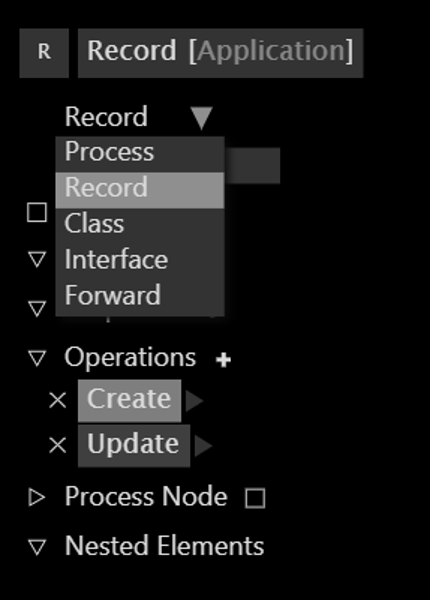
Process nodes have only one disadvantage – they can not be created dynamically without interacting the patch itself, by placing the Process into it. If we want to create and kill instances of an object from the application itself, for example by interacting with the application using the mouse of the keyboard, we need to use Records. They both can be selected from the Patch Explorer which is available in the top left corner of the patch.
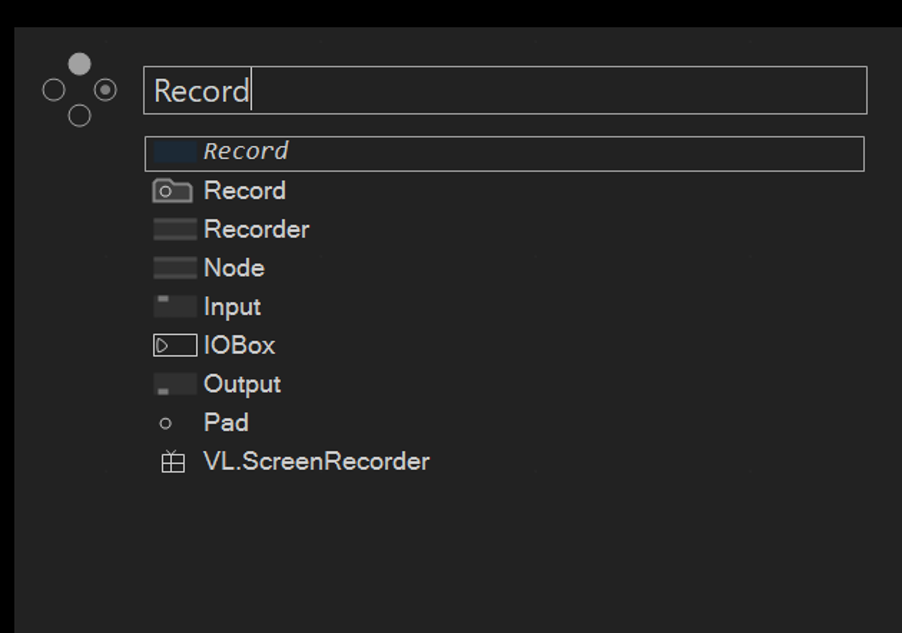
You can also create a Record definition directly from the Node Browser, just like the Process.
Use Case: Bundling properties into an object
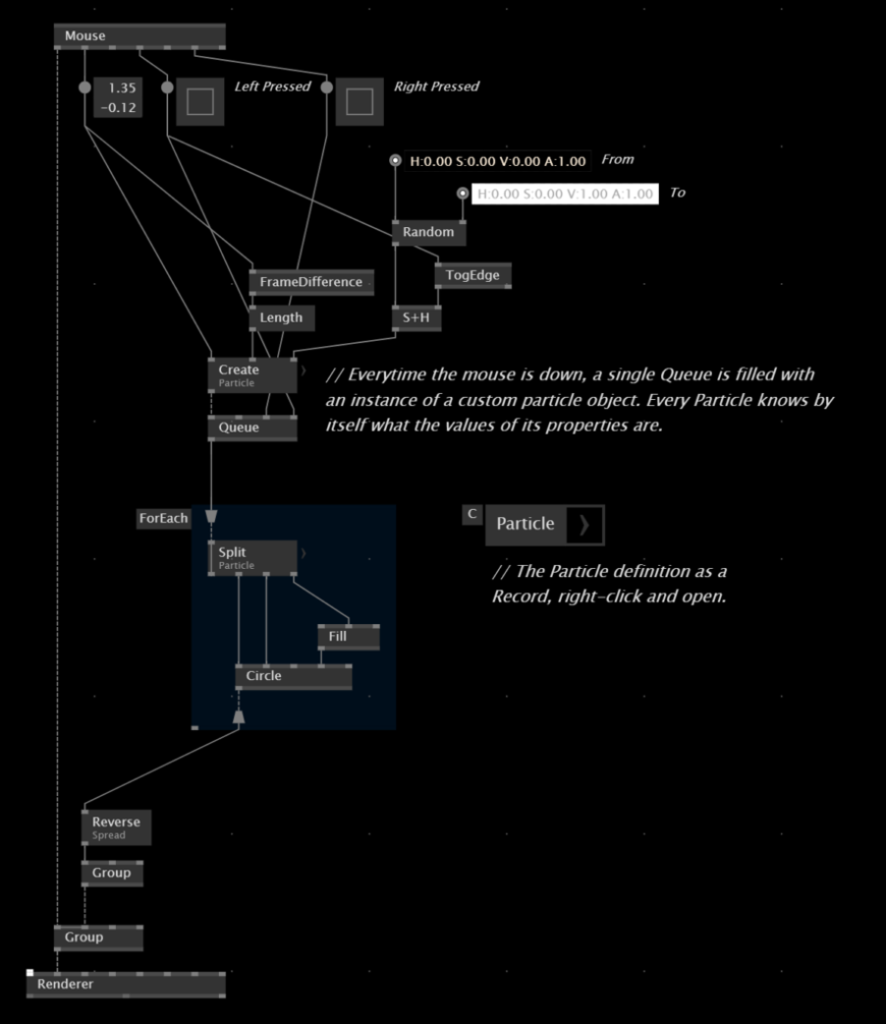
Let’s come up with two use cases, in which chosing a Record over a Process is super handy and will extend your ability to express ideas in VL. The first one would be to bundle properties into a custom data type, which you would not be able to do with plain nodes or even a Process. You would always have to store all related data in seperate spreads outside of the Process and drive the ForEach with these lists. Using a Record, you can bundle the properties inside the object, and just store the whole object in a Spread.
Use Case: Creating instances of objects dynamically
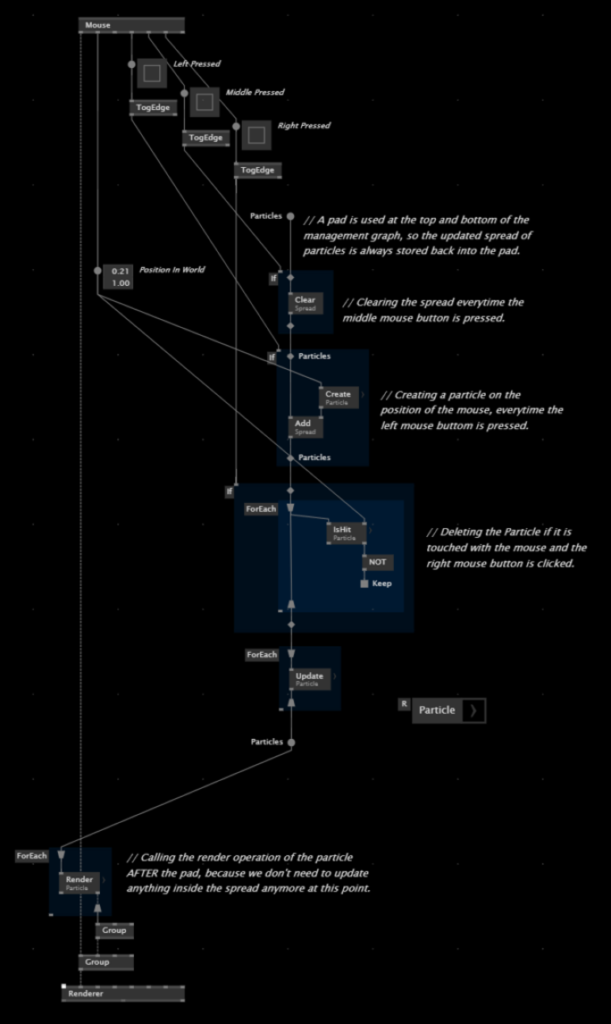
The other use case in which you need to use distinct operation nodes of objects is, when you want to create and destroy instances of objects during the runtime of the application. In this example, all three mouse buttons operate differently on the management of the spread – the left mouse button creates an object and adds it to the spread, the right mouse button removes it from the spread when the mouse is also inside the circle, and the middle mouse button clears the spread entirely.