May 4 – Jul 1, 2026 / 4-7 PM Berlin Time
6 online lesson at 3 hours + 3 days in person in Berlin / in English Language.
This two-part masterclass with Simon Rydén (aka Supermarket Sallad) invites artists, designers, and creative technologists to explore immersive content creation for full-dome environments using TouchDesigner.
Chapter 1
Foundations of Dome Creation
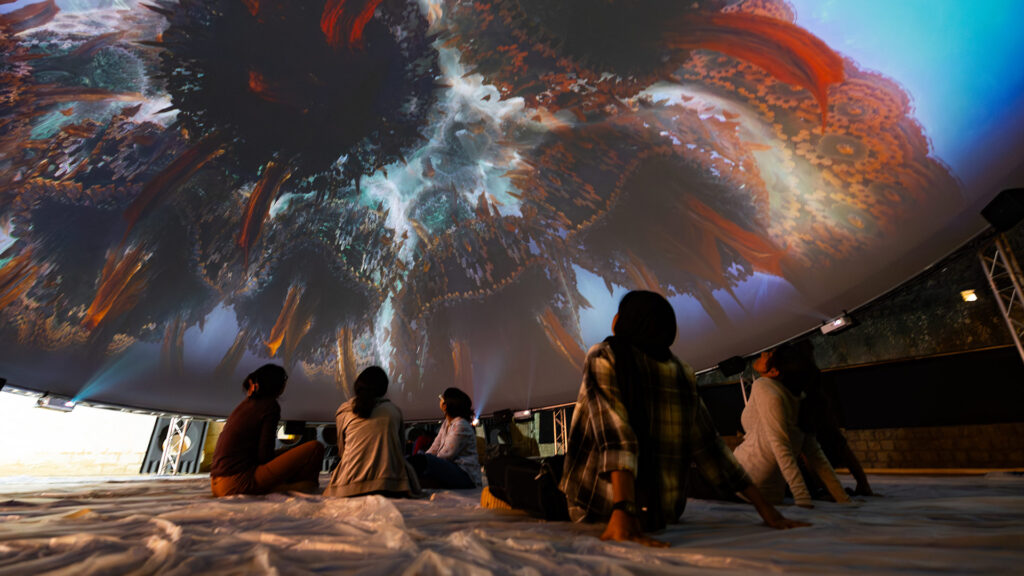
From Generative Visuals to Audio-Visual Dome Experiences
Chapter 1 – Foundations is an accessible introduction to dome projection, offering three online lessons that provide essential skills for navigating hemispherical geometry, projection systems, and real-time generative workflows—including POPs for procedural, dynamic visuals. Open to a broad audience, this part equips participants with the foundational knowledge needed to create immersive content.
- Three 3-hour online lessons
- Affordable and accessible, open to a broad audience
- Focus on dome geometry, projection specifics, and real-time generative strategies using POPs
- Prepares participants for Chapter 2
- Beginner friendly
Chapter 2
Case Study B-Dome Berlin
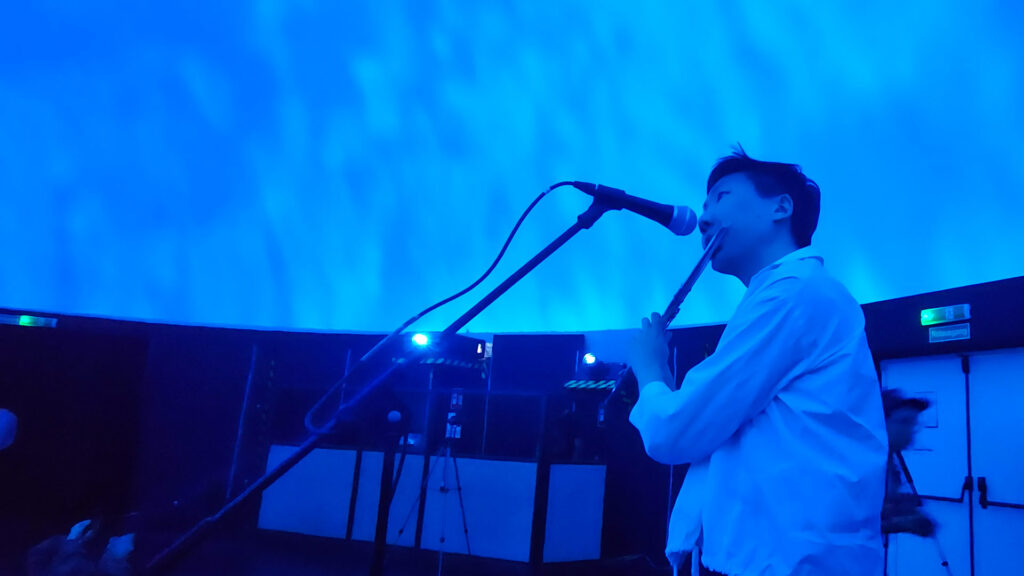
From Idea to Delivery
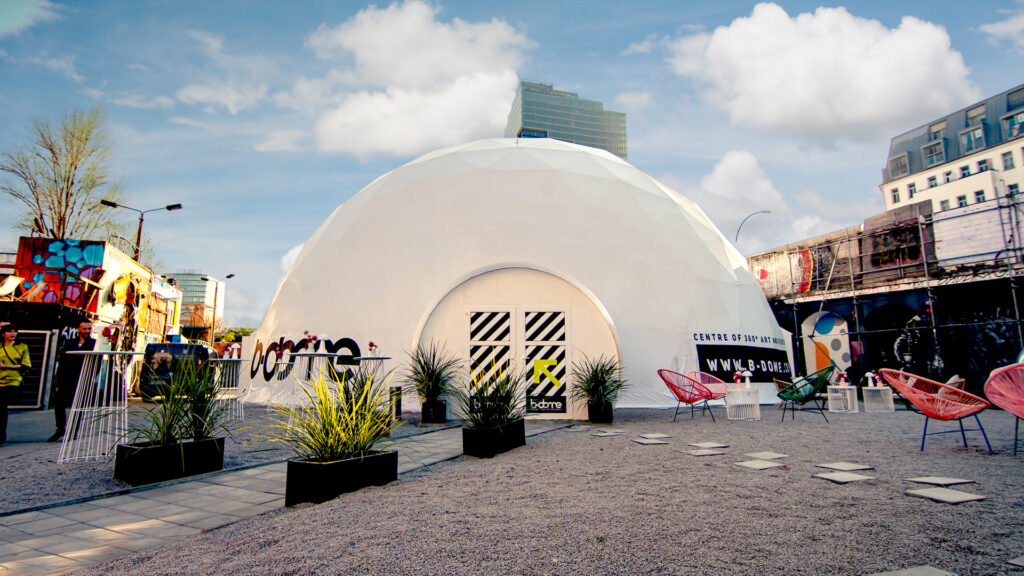
Chapter 2 – Case Study is an intensive, personal project study for 16 participants. Through guided mentorship, studio time at The NODE Institute in Berlin, test screenings at B-Dome Berlin, and a structured workflow, participants develop their own audio-visual dome pieces.
The process is designed to move participants out of experimentation into a result-driven production workflow, helping them realize complex, high-quality projects without the risk of failure. While real-time techniques are explored—highlighting their relevance for live immersive performances—the course produces rendered AV content, allowing the work to be shared and showcased beyond the live dome setting. Participation in the Case Study is limited, ensuring tailored guidance and individual support.
- Three interactive online lessons + three days on location in Berlin
- Intensive mentorship, studio time, test screenings, and final presentation
- Structured guidance transforms concepts into presentation-ready AV dome projects
- Limited to 16 participants
What You’ll Learn
- Navigate technical and artistic challenges of full-dome projection systems
- Develop 2D and 3D generative content pipelines for hemispherical environments
- Apply POPs to create emergent, procedural visuals optimized for dome projection
- Understand real-time strategies for live immersive performances and concerts
- Move from open-ended experimentation to structured, result-driven production workflows
- Produce presentation-ready AV content suitable for screenings, portfolios, and live contexts
- Translate conceptual, generative ideas into immersive, audience-focused projects with personalized mentorship
This combination of accessibility, personal mentorship, and structured production guidance allows participants to transform conceptual ideas into fully realized, presentation-ready immersive works.
Want less?
Join the FullDome Foundations

This three-part online course with Simon Rydén (aka Supermarket Sallad) invites artists, designers, and creative technologists to understand immersive content creation for full-dome environments using TouchDesigner, covering a wide range of topics and techniques specific to the format. These lessons can be consumed live or recorded.#
Requirements
- A recent PC or MAC Computer (discrete GPU recommended) with stable internet connection.
- This module is made for participants, who have a basic understanding of TouchDesigner and POPs. If you just getting started, please visit our Beginners Course and POPs Foundations first.
- 3-button mouse and second monitor recommended.
- The latest Stable Build of TouchDesigner installed
FAQ
No matter if you join live or through the recording: you’ll have access to the recordings, comprehensive workshop files, and support via a Dicord forum.
- This is not a Beginner course – prior basic knowledge of TouchDesigner is asumed.
- We will meet online via Zoom. Zoom Link and Password will be shared within the lessons of this course.
- Make sure you have a 3 button mouse attached!
- Recordings of the live sessions will be accessible on the lesson pages ~24 hours after the live lesson.
- We recommend connecting to a second screen.
- Support outside of the live lessons via a dedicated Discord Forum.
- Chapter 1 can be acquired independent of participation in Chapter 2